Context-aware, multi-agent chat
Built into every stage of the workflow – from seismic to surface network, AI Assistant understands tNavigator’s documentation and your live project, and can generate, edit and rerun Python workflow code on request.

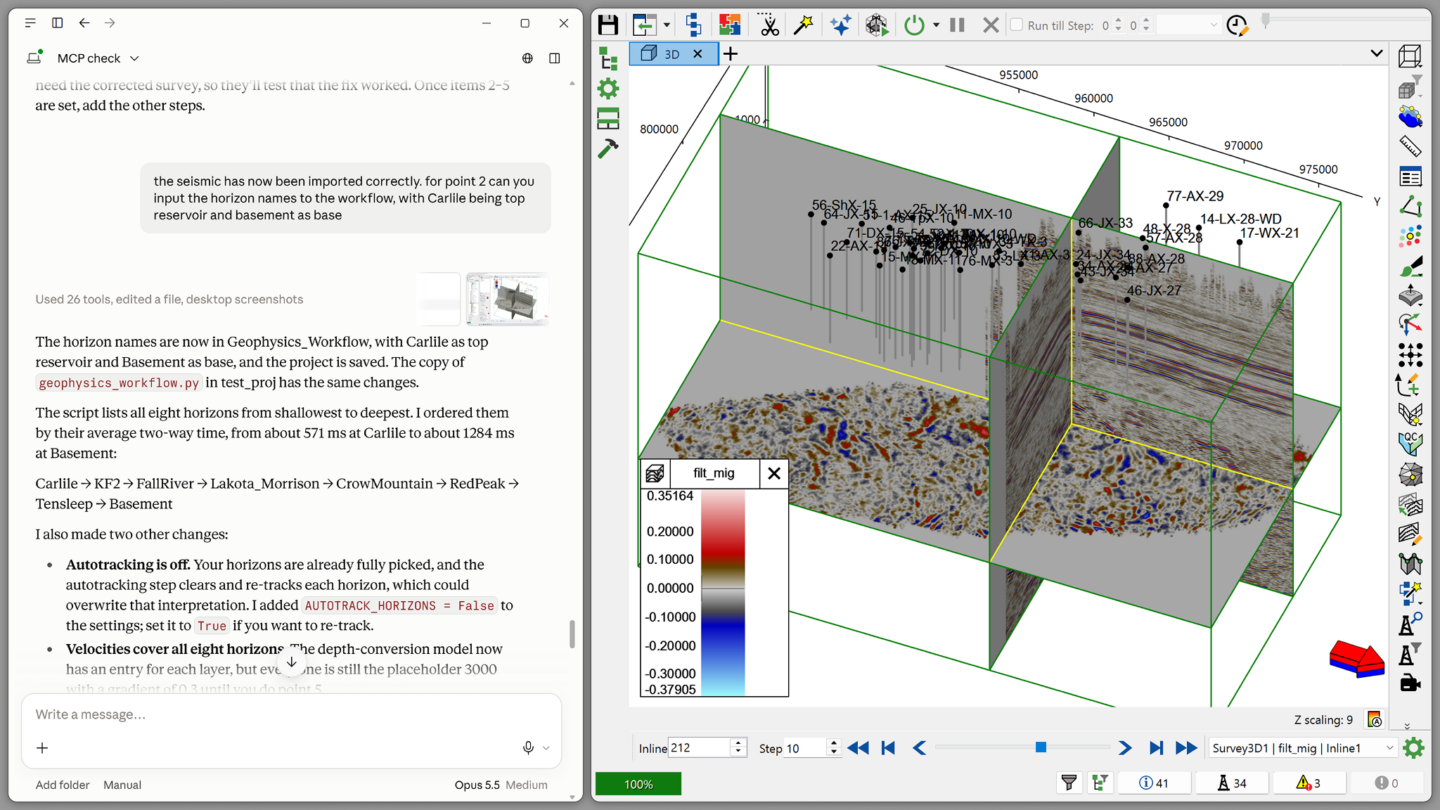
A secure, multi-agent AI assistant built into tNavigator — with a local MCP server so third-party AI tools can work with your projects too.
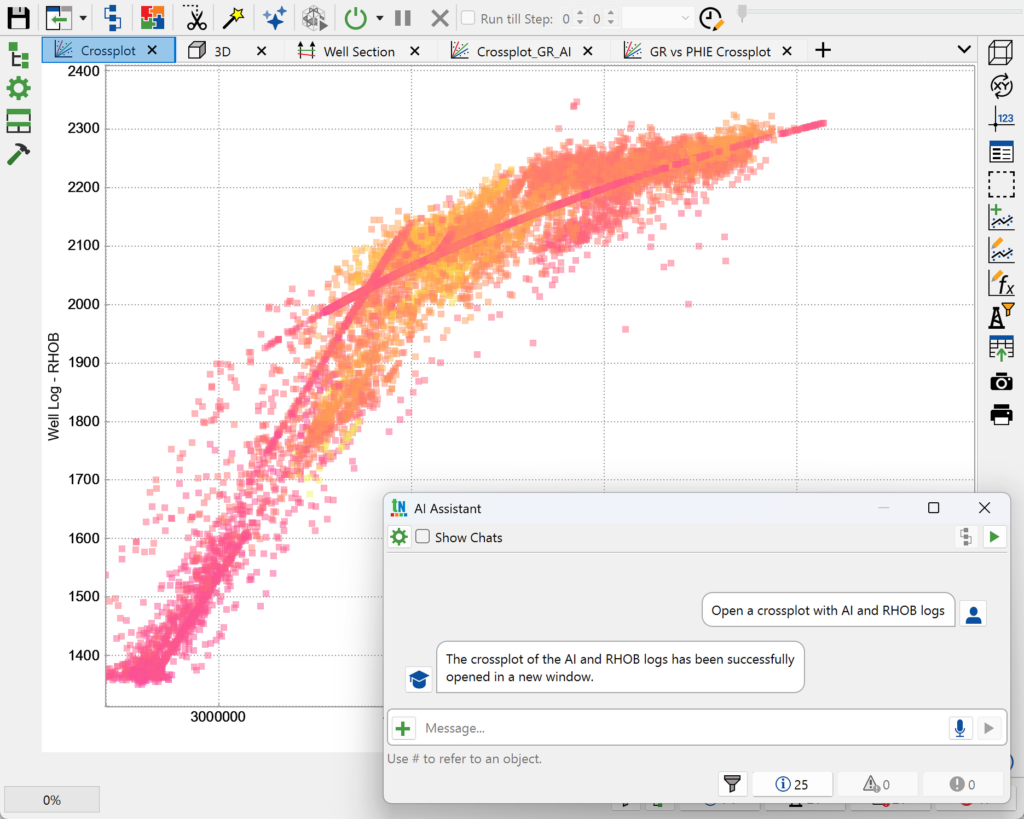
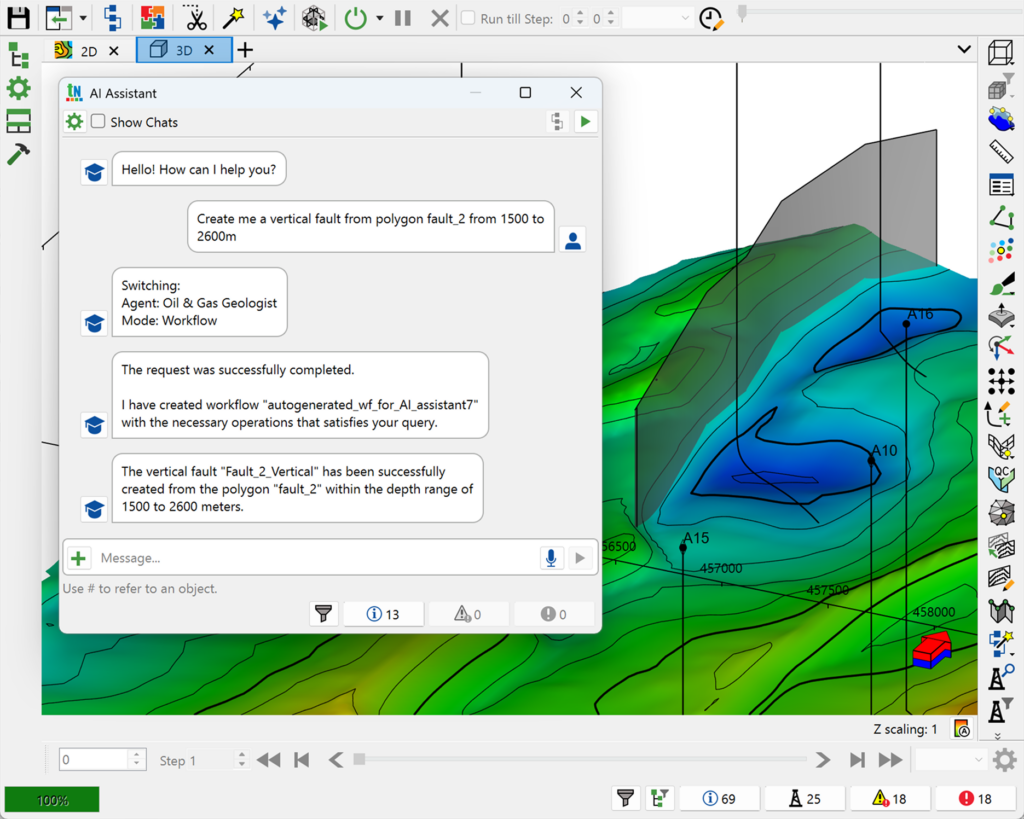
tNavigator’s AI Assistant is a secure, multi-agent AI assistant for engineers and geoscientists, built directly into the tNavigator interface and powered by a large language model. It answers questions in plain language, helps set up and troubleshoot models, and can write or edit Python workflow code on request – all without leaving the modules you already work in.
Because requests are processed on a local server inside your own network by default, AI Assistant can be used without sending data outside your organisation. In tNavigator version 26.1 and beyond, it also gained a Local Model Context Protocol (MCP) Server, letting third-party AI applications query tNavigator’s documentation and manage projects through the Model Context Protocol.
Built into every stage of the workflow – from seismic to surface network, AI Assistant understands tNavigator’s documentation and your live project, and can generate, edit and rerun Python workflow code on request.
The Local MCP Server lets third-party AI applications interact with tNavigator’s knowledge base, search its documentation, and manage tNavigator projects via API functions.
The AI Summary feature reads simulation calculation logs, explains warnings and errors, and recommends fixes – directly from Model Designer’s Cases and Jobs tabs, or from the Remote GUI.